Everyday habits
Setting up a desk, chair and screen
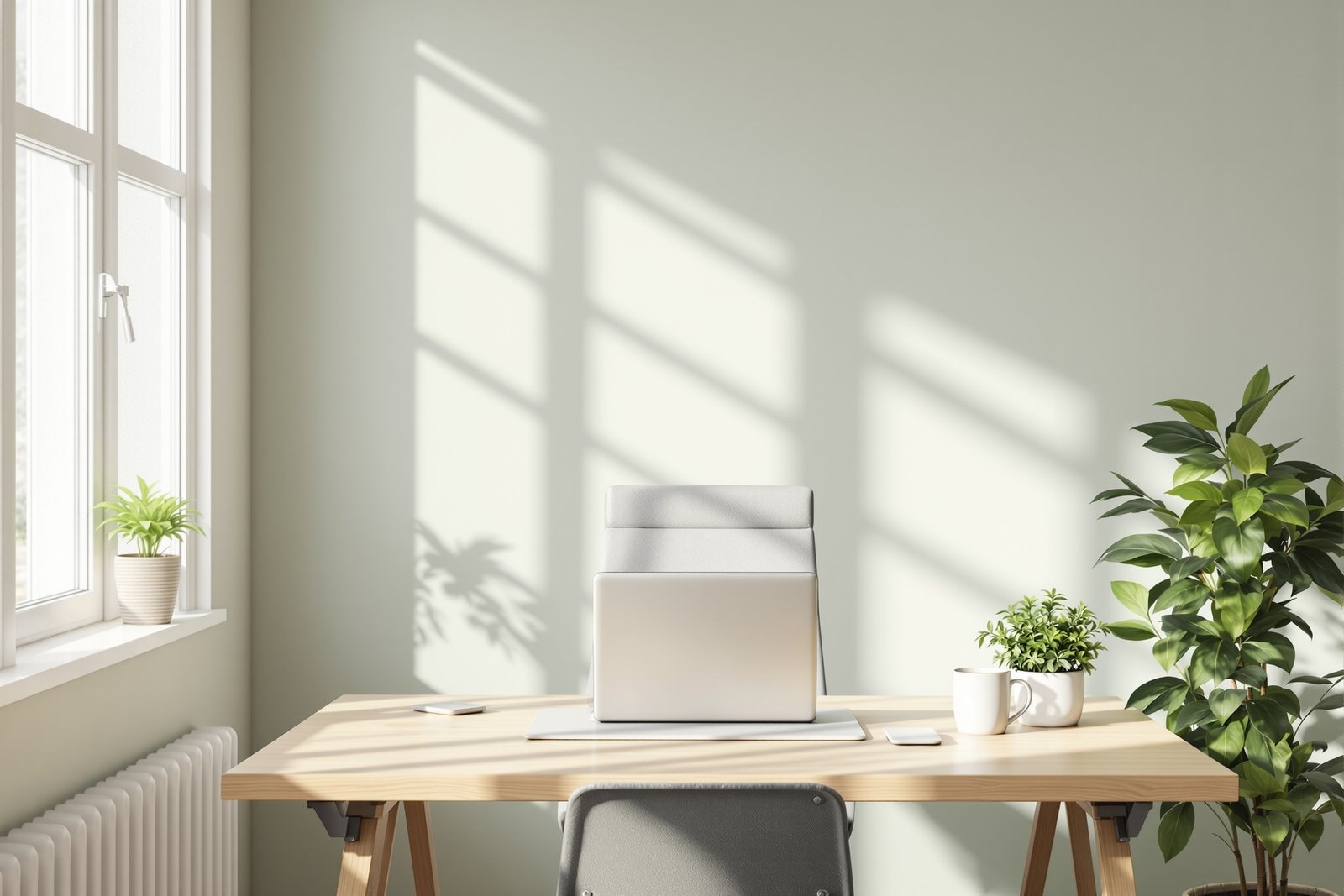
A desk, a chair and a screen can be arranged in countless ways, and small changes in how they fit you add up over thousands of working hours. This page walks through the main pieces, using the Occupational Safety and Health Administration's computer workstation guidance as a guide, without prescribing measurements that could never suit everyone.
Start with a neutral position
OSHA's page on good working positions builds everything around the idea of neutral body positioning: a comfortable working posture in which the joints are naturally aligned. In that position, it describes the hands, wrists and forearms as straight and roughly parallel to the floor; the head level, facing forward and balanced over the torso; the shoulders relaxed with the upper arms hanging at the sides; the elbows close to the body; the feet supported by the floor or a footrest; the back supported; and the thighs and hips supported and roughly level.
That list is less a rule than a checklist. OSHA's overview of computer workstations is clear that there is no single "correct" posture or arrangement that fits everyone, so the aim is to arrange the equipment around your body rather than to force your body into a fixed shape.
The chair
The chair is usually the first thing to set, because everything else is adjusted around it. OSHA's page on chairs describes a good chair as one that supports the back, legs, buttocks and arms while reducing awkward postures and contact stress, and it lists the parts that matter: the backrest, the seat, the armrests and the base. Its quick tips include:
- a backrest that follows the natural curve of the spine and gives support to the lower back;
- a seat that is comfortable and lets the feet rest flat on the floor or on a footrest;
- armrests, if there are any, that are soft and let the shoulders relax with the elbows close to the body;
- a stable base with castors that let the chair move easily.
OSHA also notes that if a chair has no lower-back support, a rolled-up towel or a removable back cushion can provide some support for the natural curve of the spine in the meantime. It recommends trying different chairs before buying one, because fit varies so much from person to person.
The screen
A screen that is too low, too high, too close, too far away or off to one side keeps the head and neck bent or turned for hours. A common starting point is a screen directly in front of you, at a comfortable reading distance, with the top of the screen around eye level or a little below so that you look slightly down at the middle of it. People who wear glasses with different zones for near and far vision often find they need the screen lower still to avoid tipping the head back. If a window behind or beside the screen causes glare, turning the desk or adjusting the blinds is often simpler than squinting through it.
Keyboard and mouse
The keyboard and mouse belong close enough that the elbows can stay near the sides and the forearms roughly level, without reaching forward. Keeping the mouse on the same level as the keyboard and right beside it avoids a long, repeated stretch to one side. Wrists are usually held straight rather than bent up, down or sideways, and many people find it useful to rest the palms between bursts of typing rather than while typing.
Laptops
Laptops are the hardest case, because the screen and keyboard are joined. With the keyboard at a comfortable height, the screen is too low; with the screen at a comfortable height, the keyboard is too high. For short spells that may not matter, but for a full working day many people raise the laptop on a stand or a stack of books and use a separate keyboard and mouse, turning the laptop into a desktop. Working with a laptop on a sofa or bed tends to fold the neck forward for long periods.
Standing and moving
Desks that can be raised for standing have become common. They are one more way to change position rather than a replacement for moving: standing still at a raised desk all day brings its own aches. OSHA's guidance to stand up and walk around periodically, stretch, and do some tasks standing applies however the desk is arranged. Phone calls, reading and short meetings are natural moments to get up.
Breaks and variety
However well a workstation is set up, a long spell in the same position is still a long spell in the same position. People who work at a screen all day often set a reminder to stand, stretch, refill a water glass or look out of a window every so often. Looking into the distance for a moment also gives the eyes a change of focus. The posture and work strain pages cover related ideas, and the headaches and the neck page explains why long spells with the head held still are linked with tension-type headaches.
At home and at work
Employers are responsible for providing a safe and healthful workplace, and many have staff or processes for workstation assessments. At home, the same ideas apply with whatever furniture you have: a firm cushion to raise a seat, a footrest made from a sturdy box, a laptop raised on books, and a timer for breaks can do a lot of what specialist equipment does.